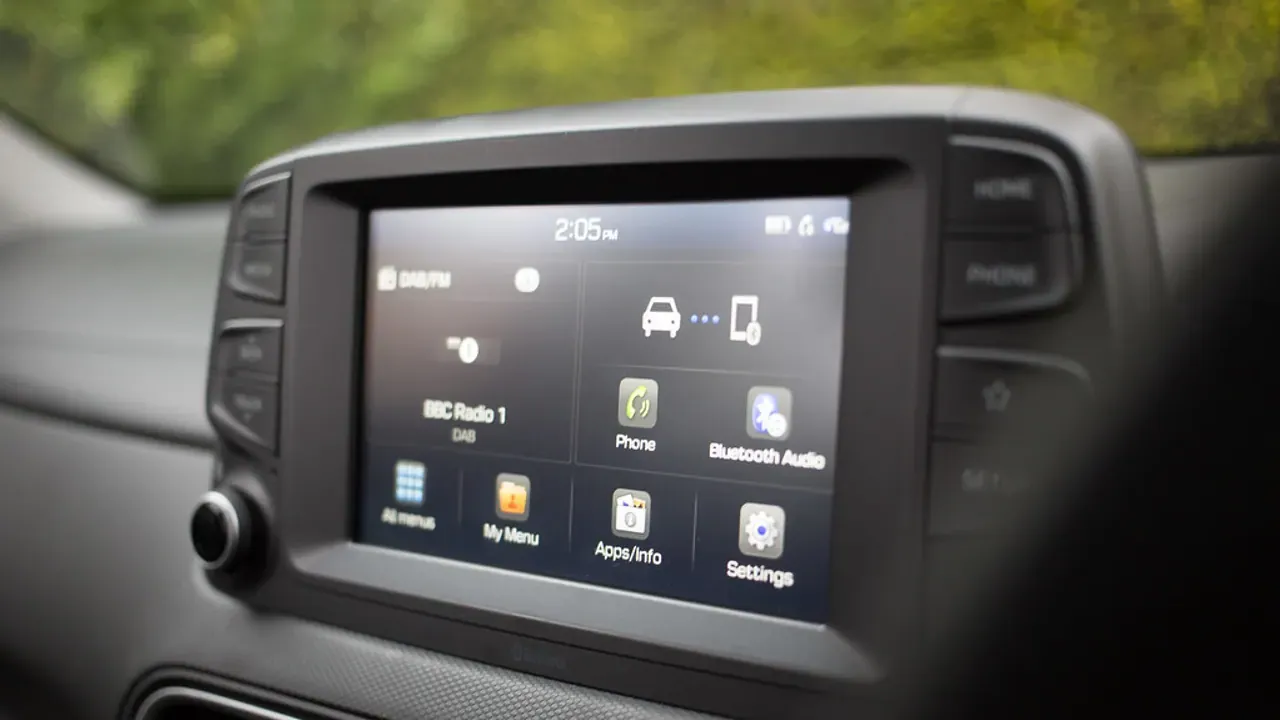
Direct answer: Follow the vehicle manual, start dry, and keep liquid on the towel rather than the screen.
Assess the job before touching the vehicle
- Turn the display off and let it cool so smears and dust are easier to see.
- Check the vehicle manual for prohibited cleaners or coatings.
Keep the active work controlled
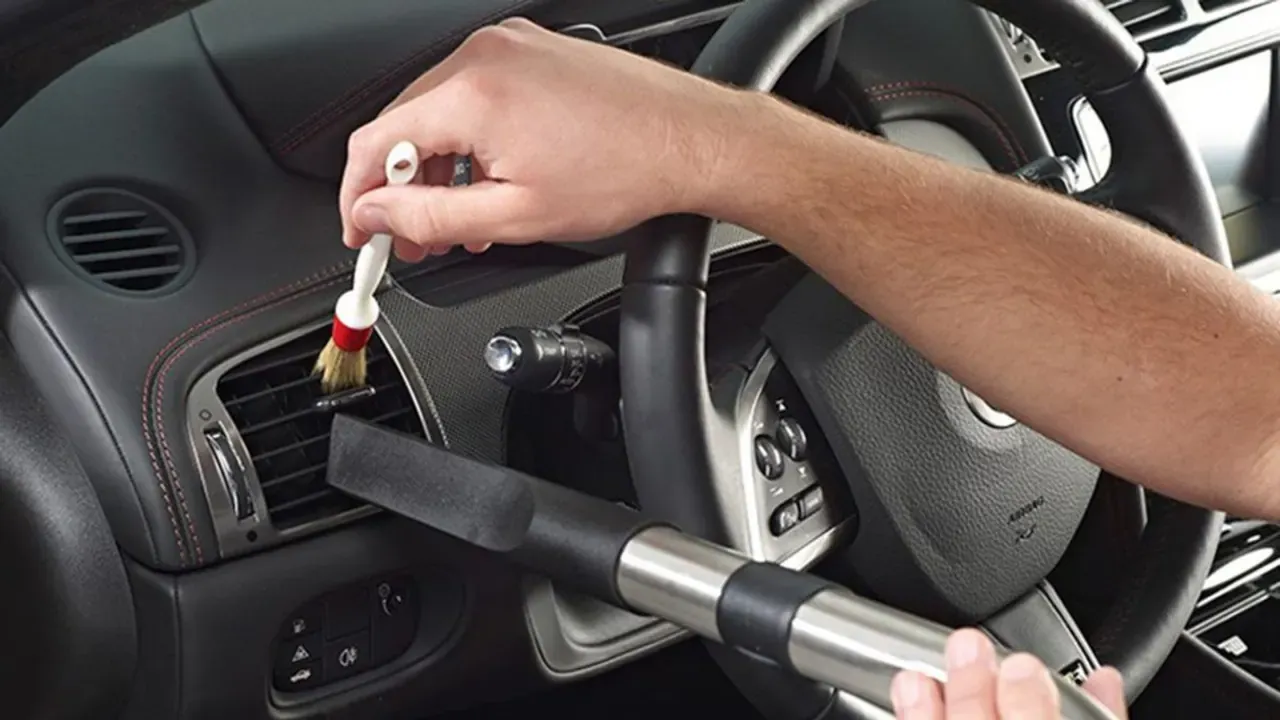
- Lift dust with a clean soft towel before using moisture.
- Lightly dampen the towel with an approved solution and wipe without pressure.
For clean car touchscreen, continue only while the vehicle, material, and work area support the method you selected. Do not add pressure, moisture, or stronger chemistry to compensate for an unsuitable condition.
Finish with an inspection
- Dry with a second clean towel and inspect from several angles.
For clean car touchscreen, the useful result is a clean, documented, and usable surface. If the remaining issue is damage, a warning light, a leak, or a material failure, changing the cleaning method will not solve it.
Keep this boundary in view
Touchscreen coatings, anti-glare films, and display-edge seals differ by vehicle. A cleaner that works on another cabin surface can leave haze or damage on a display, so the manual is more useful than a generic product list.
Match the process to the real use case
You need to remove fingerprints without scratching a coated display or pushing liquid into the dash. Follow the vehicle manual, start dry, and keep liquid on the towel rather than the screen.
Sources and verification
Last verified: August 3, 2026. These sources frame the decision points for clean car touchscreen; vehicle-specific instructions and product labels take precedence where they apply.